
Where can I find the Print Proof?
You can find the print proof via the optilyz dashboard. Specifically, in the corresponding campaign overview.
- Log into the optilyz dashboard with your account.
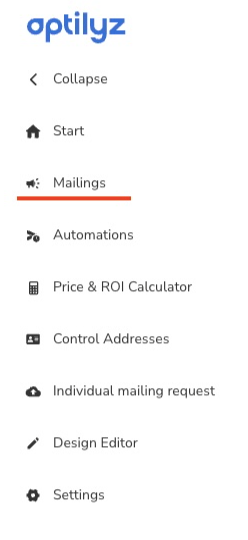
- Open the „Mailings" section.
- Choose and open the mailing, to which you want to download the Print Proof.
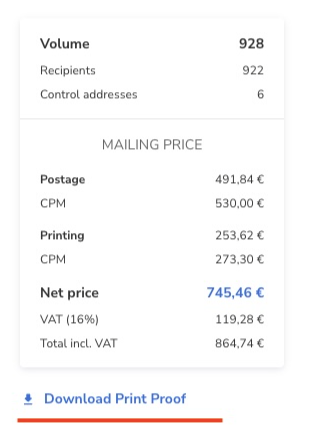
- When the mailing status changes from 'Preparing for Print' to 'Print Approval Required,' a 'Download Print Proof' button will appear below the Mailing Price. You can use this button to download the proof for review.
- After downloading and reviewing the proof, please respond to the email we sent you with your approval or any requested changes.
- Please note: Once the status changes from 'Print Approval Required' to 'InPrint,' the 'Download Print Proof' button will no longer be available.